Explainer Video Examples for 3D Animation (12 Videos)

A 3D explainer video builds its world in three dimensions, so products, machines and abstract ideas can be shown from any angle. These 12 3D explainer video examples come from real companies in software, hardware, logistics and consumer brands.

What are the best 3D explainer video examples?
Strong 3D explainer video examples include Contruent for capital project software, Acrisure for an insurance platform, OLEDworks Aerospace for aircraft lighting, Microsoft Planner for work management, Webflow for a no-code conference, Nexmo for an API platform, Adobe Analytics for marketing software, Google for password security, Lenovo for meeting room devices, Beumer for warehouse logistics, CryptoCubes for an artist platform and Airbnb for a 15-second hosting spot.

What Is a 3D Explainer Video?

A 3D explainer video is a short animated video built with three-dimensional models, lighting and camera movement. It explains a product, service or idea, usually in 30 seconds to 2 minutes. 3D is strongest when a physical product, a hidden mechanism or a large environment needs to be shown.

Many 3D explainers mix techniques. Some combine 3D product shots with 2D graphics or characters.

This article looks at 12 3D explainer videos from software, hardware, logistics and consumer brands. For each one, I describe what the video shows and why 3D suits it. After the examples, I cover what a 3D explainer video costs and how to plan one.

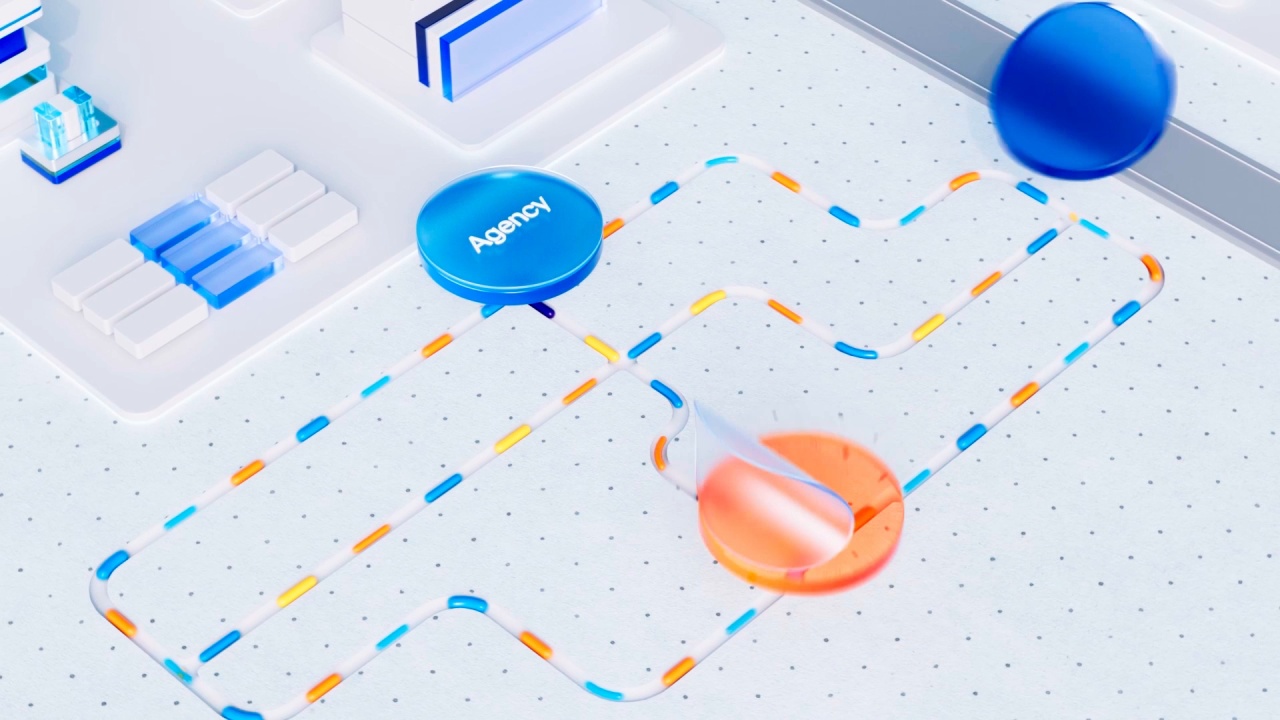
3D explainer video example for project management software

In this article

Here is a quick overview of the 12 videos in this article. The table links to each example below.

How we chose these 3D explainer videos

Every entry had to pass four checks. 3D animation plays a central role in the video. The message is clear: it states what the company does, who it is for and why it matters, without burying that under a feature list. The video is still live and embeddable today. And together the list covers different uses of 3D, from product visualization to mixed media and stop motion.

No company here has published performance data for its video, so each entry says so rather than guessing. Every entry was last verified in September 2026.

The first two examples come from the Creamy Animation video library. The other videos were published by the brands or by the studios that made them.

3D Explainer Videos & Their Use

Quick list of 3D explainer video examples by company and use

#CompanyUse
1Contruent3D explainer for capital project software
2Acrisure3D motion design for a fintech insurance platform
3OLEDworks AerospaceRealistic 3D product explainer
4Microsoft Planner3D product film for work management software
5Webflow3D visual poetry for a software conference
6NexmoMixed-media 3D explainer for an API
7Adobe AnalyticsShort 3D explainer from a series
8GoogleMyth-busting 3D explainer
9Lenovo3D explainer for workplace technology
10BeumerMixed 3D and 2D logistics explainer
11CryptoCubesMinimal 3D infographic explainer
12Airbnb15-second 3D stop-motion explainer

Table of Contents

1. Contruent

3D explainer for capital project software

Runtime: 1:38

Contruent’s lifecycle cost management software helps oil and gas construction projects stay on time and on budget. The video uses 3D to show near-realistic project scenarios that would be hard to capture with a camera.

Performance data: none published.

Why it works:

  • Scenes a camera cannot get: 3D shows large industrial sites without a costly shoot.
  • Part of a series: Several 3D videos share one visual system.

Takeaway:
Use 3D when the real setting is too big, remote or expensive to film.

The Contruent video is drawn from the video library of Creamy Animation.

2. Acrisure

3D motion design for a fintech insurance platform

Runtime: 1:08

Acrisure is a fintech-enabled insurance platform. The explainer uses 3D motion design to turn insurance concepts, like digital-first policy buying and partner networks, into clean visuals.

Performance data: none published.

Why it works:

  • Abstract made physical: 3D objects give financial ideas weight and shape.
  • Two audiences: The story addresses business owners and employees.

Takeaway:
3D can make an intangible service feel solid.

3. OLEDworks Aerospace

Realistic 3D product explainer

Runtime: 1:53

OLEDworks develops OLED lighting for the automotive and aerospace industries. The video uses realistic 3D to show how its lighting works in an aircraft setting.

Performance data: none published.

Why it works:

  • Realism sells hardware: Buyers see the product as it would be installed.
  • No aircraft needed: 3D avoids filming inside a real cabin.

Takeaway:
For physical products in hard-to-reach places, realistic 3D is the practical option.

4. Microsoft Planner

3D product film for work management software

Runtime: 1:07

This UX film introduces the new Microsoft Planner. It combines 3D with screencast and motion graphic animation.

Performance data: none published.

Why it works:

  • UI in 3D space: Interface moments gain depth and movement.
  • Just over a minute: A software launch kept brief.

Takeaway:
Placing UI in 3D space can make software feel new.

5. Webflow

3D visual poetry for a software conference

Runtime: 1:30

This piece promoted Webflow’s conference about the future of software development. It is described as visual poetry built around the idea of a no-code era.

Performance data: none published.

Why it works:

  • An idea, not a feature: The video sells a vision of no-code.
  • Art direction as message: The look itself says the future is here.

Takeaway:
3D can sell a big idea as well as a product.

6. Nexmo

Mixed-media 3D explainer for an API

Runtime: 1:46

Nexmo is the Vonage API platform for communication tools that connect people. This mixed-media animation focuses on the human side of communication, because an API is already technical and impersonal.

Performance data: none published.

Why it works:

  • Human over technical: The story leads with people, not code.
  • Mixed media: Several techniques keep a dense topic lively.

Takeaway:
The more technical the product, the more human the story should be.

7. Adobe Analytics

Short 3D explainer from a series

Runtime: 0:37

This is the first of a series of videos for Adobe Experience Cloud, Adobe’s collection of marketing and web analytics products. It focuses on Adobe Analytics.

Performance data: none published.

Why it works:

  • Series format: Each product in the suite gets its own short video.
  • Under 40 seconds: Short enough for social and product pages.

Takeaway:
A product suite is easier to explain one product at a time.

8. Google

Myth-busting 3D explainer

Runtime: 1:58

This animation highlights common misconceptions about passwords. Most people think their passwords are stronger than they are, because they reuse common themes and patterns.

Performance data: none published.

Why it works:

  • Myth-busting structure: Each myth sets up a reason to use the product.
  • Relatable mistakes: Viewers recognize their own habits.

Takeaway:
Correcting a common belief is a strong hook for an explainer.

9. Lenovo

3D explainer for workplace technology

Runtime: 2:06

Lenovo ThinkSmart Manager gives IT teams visibility into how all of their Lenovo meeting room devices are working, in one place. The video opens on a familiar pain: an IT issue that derails a meeting.

Performance data: none published.

Why it works:

  • A familiar pain: Everyone has sat through a broken meeting room.
  • One view for IT: The benefit is simple: see everything in one place.

Takeaway:
Open with the moment the problem hurts most.

10. Beumer

Mixed 3D and 2D logistics explainer

Runtime: 1:56

Beumer’s BG Pouch System is a logistics solution for warehouses. The video mixes 3D, 2D and characters to show how it turns warehouse chaos into order.

Performance data: none published.

Why it works:

  • Mixed techniques: 3D shows the machinery, 2D and characters carry the story.
  • Chaos to calm: A clear before-and-after structure.

Takeaway:
You do not need all-3D. Use it where depth matters most.

11. CryptoCubes

Minimal 3D infographic explainer

Runtime: 1:57

CryptoCubes connects artists with CryptoCubes creators. The animation captures the project in its founder’s signature minimal style.

Performance data: none published.

Why it works:

  • Founder’s style: The look matches the project’s existing identity.
  • Minimal 3D: Simple forms keep a new concept readable.

Takeaway:
Let your existing visual identity guide the 3D style.

12. Airbnb

15-second 3D stop-motion explainer

Runtime: 0:15

If your kids have moved out, you may have a spare room you can list on Airbnb. This spot makes that point in 15 seconds using 3D stop-motion animation.

Performance data: none published.

Why it works:

  • 15 seconds: One idea, landed fast.
  • A life moment: It targets a specific audience at the right time.

Takeaway:
A very short explainer works when it is tied to one life moment.

What a 3D Explainer Video Costs

Typical price ranges

Price depends on runtime, visual treatment and production scope. Most projects fall into one of three tiers.

TierTypical rangeBest for
AI-Assisted$2,500 to $4,0002D explainers with limited 3D elements
Standard$3,000 to $10,000A mostly 2D video with key 3D moments, such as a product shot
Premium$10,000 to $25,000Full 3D modeling, lighting and animation

What drives the price

  • How much of the video is fully 3D
  • Model detail and realism
  • Lighting, texturing and rendering time
  • Camera movement and scene complexity
  • Voiceover, music and sound design

Full 3D projects usually take longer than 2D because modeling, lighting and rendering add production stages. For a full breakdown by style and length, see the explainer video cost guide.

How to plan a 3D explainer video

1. Decide what needs 3D

Use 3D when the viewer needs to see a physical product, a hidden mechanism or a large environment. OLEDworks shows its lighting inside an aircraft. Beumer shows warehouse machinery at work.

2. Mix 3D with 2D where it helps

Full 3D is not always needed. Beumer mixes 3D, 2D and characters. Microsoft Planner combines 3D with screencast and motion graphics.

3. Lead with a familiar problem

Lenovo opens on an IT issue that derails a meeting. The product appears only after the viewer recognizes the problem.

4. Approve the models before animation

Sign off on the style frames and 3D models before animation starts. Modeling, lighting and rendering add time, so late changes cost more.

5. Set the length by placement

Airbnb makes its point in 15 seconds. Lenovo runs just over two minutes. Decide where the video will run first, then set the runtime.

FAQs

A 3D explainer video is a short animated video built with three-dimensional models, lighting and camera movement. It is used to show products, mechanisms or environments from any angle.
Choose 3D when you need to show a physical product, a hidden mechanism or a large environment realistically. For most software and service explainers, 2D is faster and costs less.
Full 3D explainers usually cost $10,000 to $25,000 or more. Mixing 3D moments into a 2D video can bring the cost down to the $3,000 to $10,000 range.
Most run 30 seconds to 2 minutes. On this list, 9 of the 12 examples run between one and two minutes. Product-focused 3D videos are often under a minute.
Full 3D projects usually take longer than 2D, because modeling, lighting and rendering add time to the standard script, storyboard and animation stages.
Yes. Many examples above combine 3D product shots with 2D graphics or characters. It is a common way to get the impact of 3D without the full cost.
Studios commonly use tools such as Blender, Cinema 4D, Maya and 3ds Max for modeling and animation. After Effects is often used to combine 3D renders with 2D graphics and text.

It can be. Microsoft Planner and Adobe Analytics use 3D to give interface moments depth. For most software explainers, 2D is faster and costs less.

Wrap Up

The 3D explainer videos on this list use depth for a reason. They show a product from every angle, open up a machine, or build a world a camera could not reach. The weaker use of 3D is decoration, and none of these fall into that.

If the thing you need to explain is physical, hidden or huge, 3D is worth the extra budget.

Author: Larry Mutenda

Founder & Producer: Creamy Animation

Larry is the founder and Chief Storyteller at Creamy Animation, founded in 2009. He leads a team that creates story-driven videos for businesses and nonprofits. 15+ years in video strategy and production, specializing in SaaS, B2B, and nonprofit storytelling. A marketer, designer, and animator, Larry has overseen the production of more than 1,500 videos for Fujitsu, Logitech, Warner Brothers, NFL, Blockdaemon, Astronomer, Canonical, and 370+ others.

For Larry, God is first, and everything else is a blessing that comes from serving Him. When he’s not working, he’s hanging out with his wife and three kids, playing the piano, or pursuing his filmmaking side hustle.