We’re an animated explainer video production company that works with SaaS startups, enterprise teams, and nonprofits to deliver compelling videos that generate tangible results.
1,500+
videos produced
380+
businesses worldwide
2009
producing explainer videos since
TRUSTED BY TOP BRANDS IN THE US, CANADA, & AROUND THE WORLD
A business explanation video tells people what your company does and why it matters. It turns a complex offer into a short, clear story. Through storytelling, our goal is to identify your customers’ pan points, how you solve their problem, and why they should use your product or service instead.
Website home pageSales meetingsInvestor decks
A SaaS explainer video shows how your software works and what it changes for the user. We focus on the problem and the outcome, not every feature. That keeps the message clear for buyers who are short on time.
Product launchesFree trial sign-upsOnboarding
Corporate explainer videos help organizations explain strategy, change and values. They speak to employees, partners and stakeholders in one consistent voice. We keep complex messages simple and on brand.
Internal communicationsStrategy rolloutsAnnual meetings
A product explainer video shows what your product does and how customers use it. We walk through the key steps and the result. It helps buyers picture the product in their own day.
Product pagesTrade showsCustomer support
Storytelling videos use characters and a clear story arc to carry your message. People remember stories better than lists of facts. We build the story around your audience and the change you want them to see.
Brand awarenessNonprofit campaignsSocial media
Educational explainer videos teach a concept in a few minutes. We break ideas into simple steps and use visuals to make them stick. They work well for schools, public bodies and programs that need to inform.
Online coursesPublic awarenessStudent programs
Training videos teach staff and customers how to do something the right way. Everyone gets the same lesson every time. We plan them as single videos or as a full series.
Employee onboardingWorkplace trainingCustomer education
Thought leadership videos share your point of view on an issue in your field. They explain why it matters and what should change. We help you make a clear case that people can follow and share.
Policy and advocacyConferencesLinkedIn content
Years of production experience have taught us that consistent results require a process that keeps improving. Our workflow provides a reliable foundation, with room to adapt to your business, audience, and goals.
We learn what you sell and what the video needs to achieve.
We learn what you sell, how customers buy it, and what the video needs to achieve. We review your sales process, how your team explains the offer, and the materials you already use. Then we set one primary objective, such as generating qualified inquiries. That objective shapes what goes in the video and how we measure it.
We define the problem you solve and who needs to hear it.
We identify the problem your product or service solves and the people most affected by it. We separate the person using your solution, the person evaluating it and the person approving the purchase. Each may need different information. We also establish what your viewer already knows. That sets the right language, level of detail and starting point.
We find where your offer has a real edge.
We examine the alternatives your customers consider. That includes competitors, manual processes and doing nothing. We review how those alternatives describe their value and which claims repeat across the market. Then we find where your offer has a meaningful advantage, such as specialist expertise or easier implementation. The result is a clear position that shows buyers why to consider you.
We pin down the frustrations that make buyers search.
We explore the problems that make customers search for a solution. Sales conversations, reviews and support questions show what matters most. We connect everyday frustrations to business consequences, such as wasted time, missed revenue or higher costs. Then we prioritize the issues you can credibly address. This gives the video an opening viewers recognize.
We turn what your product does into why it matters.
We explain your differences in terms that matter to the buyer. A feature describes what your product does. A benefit explains how it improves the customer’s situation. We focus on the benefits most likely to influence the purchase. Where available, demonstrations, customer examples or verified results support the message.
We answer what stalls a sale, then end on a clear next step.
We identify the concerns that could stop an interested prospect, such as pricing, implementation time, compatibility or uncertainty about results. We answer the most relevant ones without overloading the video. A typical sales and marketing explainer runs 60-90 seconds. We finish with a call to action that fits your goals.
2D explainer videos use animated characters and graphics. As a 2D explainer video company, we recommend this style for company explainer videos because it has worked well for our clients, helping viewers recognize their challenges and understand how a product solves them.
Looking inside a product can explain more than showing its exterior. With 3D animation, the camera can move around an object, separate its components, or reveal an internal mechanism. Modeling and rendering requirements depend on how closely those details need to be shown.
Motion graphics connect information through animated diagrams, icons, and interface elements. They work well for systems and processes where viewers need to follow relationships between ideas. Transitions can carry the explanation from one step to the next.
Watching an illustration take shape helps viewers follow an idea as it develops. In whiteboard animation, the drawing sequence and voiceover work together to explain the subject. This style works well for detailed explanations, educational content, and storytelling.
Some subjects are easier to understand when someone demonstrates them on camera. Live action shows the actual product, setting, and physical actions involved. During pre-production, the shot list translates the script into specific shots, B-roll, and supporting footage.
Mixed-media explainer videos combine filmed footage with motion graphics, 2D animation, or 3D elements. Sometimes one style alone cannot tell the full story. Our projects have combined on-camera interviews with motion graphics and character animation.
Review complete examples to understand how we handle a business explainer video. Look for the audience, the problem being explained and the action the video supports.
For Los Angeles-based Blockdaemon, it produced three explainer videos introducing the company’s story and value.
The studio also created a pitch video for cybersecurity startup Skyflow, which it says later raised $30 million in Series B funding and continues to use the video.
We made a series of animated videos for YWCA Canada’s #BlockHate campaign. The videos speak to youth and young adults about online hate and how they can respond to it.
For Small Business BC, a nonprofit that supports small businesses in British Columbia, we made five motion graphics videos on workplace accessibility. The series uses abstract graphics instead of characters.
About Us
We are an explainer video creation company that has produced more than 1,500 videos for over 380 businesses worldwide, including Logitech, Fujitsu, NFL, Microsoft, RBC, Blockdaemon, and Warner Brothers. Our work helps businesses explain their products and services, introduce new ideas, and communicate with customers, employees, and other audiences.
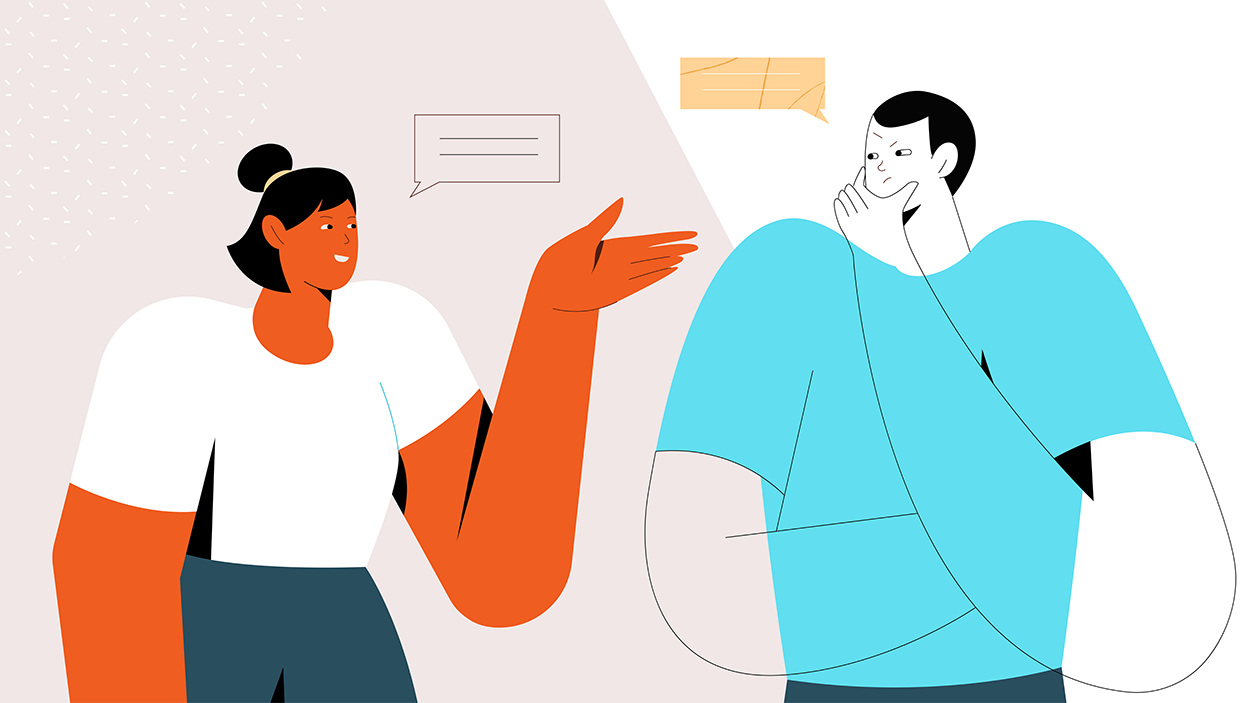
What does an explainer video production company do? An explainer video production company helps you explain what you do, the problem you solve, and why your solution matters. We work as an extension of your team, turning your message into a visual story your audience can understand. Our team guides the entire production process, from strategy and scriptwriting to storyboards, design, animation, voiceover, and sound. Each project uses a video style suited to your message, audience, and goals, with the finished video delivered ready to use.
Since 2009, we’ve helped businesses turn complex products, services, and ideas into clear, engaging videos. Our process covers research, concept development, scriptwriting, storyboarding, custom design, animation or filming, voiceover, editing, and sound design. Every stage contributes to a finished video that communicates your message clearly.
Your video’s success depends on how well it does three things:
Identifies your customers’ common pain points.
Shows through storytelling how your solution addresses those problems.
Explains why the solution matters to your customers.
Our goal is to help customers understand your business and why they should buy from you. Video is one of the most powerful ways to start that conversation before you speak with them.
Explainer Video Company + Marketing Agency
We create content around your audience, positioning, and sales goals. Explainer videos are one of the many ways our team helps businesses communicate.
We are part of Mammothic Group Inc., alongside Creamy Design, an advertising and marketing agency; Mammothic Films, a live-action video production company; and Mammothic Photography. This shared expertise brings marketing, design, creative strategy, advertising, and animation to your project.
We work with you to identify customer pain points, communicate what sets your offer apart, and address objections that can delay a buying decision. Whether your video introduces your brand, supports a product launch, or helps your sales team explain a solution, we give it a defined role in the customer journey and a clear call to action. That purpose guides the message, creative direction, and how the video will be used across your website, campaigns, and sales conversations.
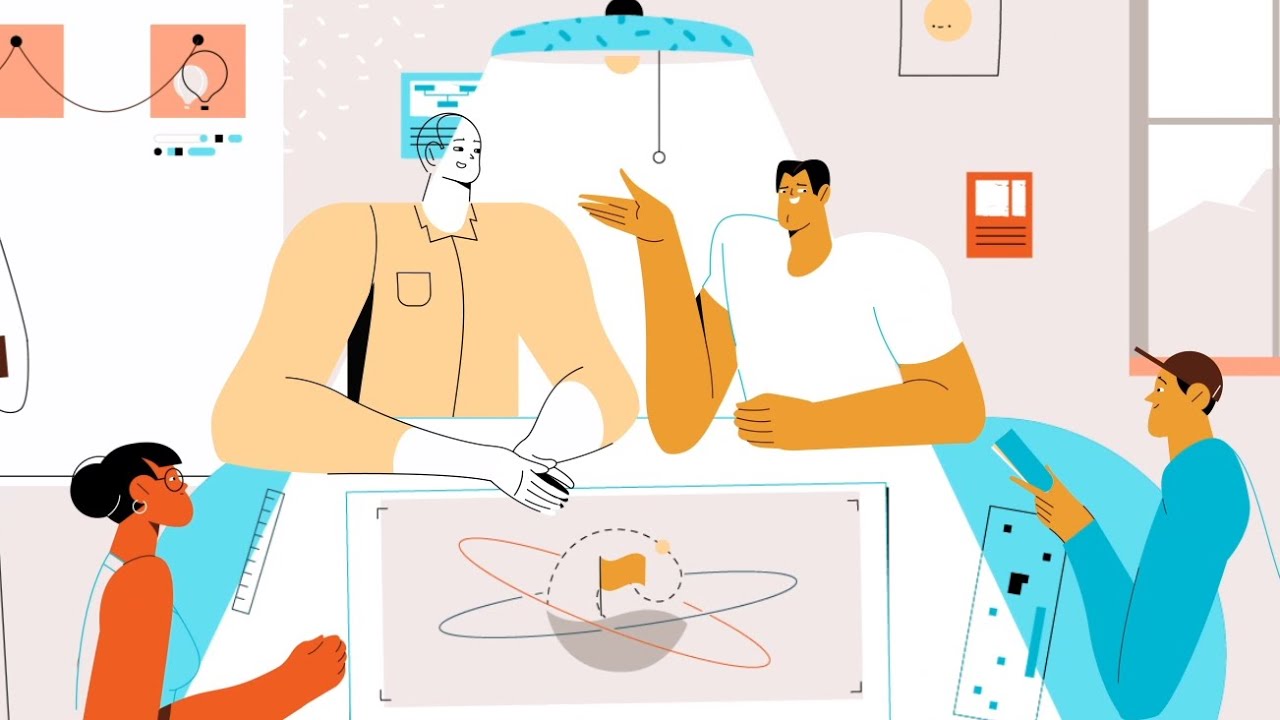
Our explainer video production services follow six carefully planned steps, refined over more than 16 years of creating videos for businesses and nonprofits. That experience has taught us what makes a story connect: understanding your audience, recognizing their challenges, and showing why your solution matters. Every project brings a different story to tell, so we tailor our approach to your business, your customers, and the problems you help them solve.
Step 1
Every project starts with a call about your goals and your audience. We agree on what the video has to achieve before anyone writes a word.
Step 2
Our writers draft the script next. It has to sound like your brand and speak to your audience. If the story sucks, animation won’t save it.
Step 3
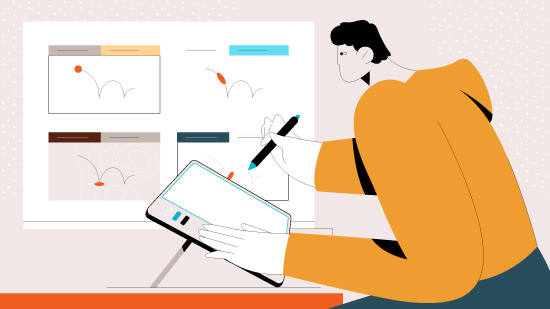
Then we sketch the video scene by scene. You see where the key moments fall and how each visual supports the script. Production starts once you approve the storyboard.
Step 4
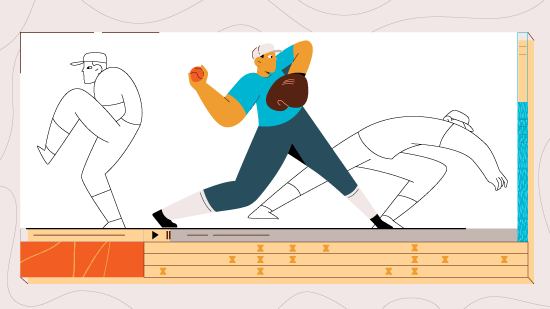
Our designers build every character, graphic and prop from scratch. We then cut an animatic, a timed rough version, so you can check the pacing before full animation.
Step 5
After you sign off on the visuals, we animate and add sound. Voiceover, music and sound effects go in. Then we make final revisions until it looks and sounds right.

Step 6
When you approve the final cut, we package everything for delivery. You get the final video file plus 10 to 15 cutdowns and supporting assets for your other channels.
The main video is rarely the only file you need. Plan the extra versions before production starts, because they cost less to make then. Some providers sell these as explainer video marketing services.
A cutdown is a shorter edit, often 15 or 30 seconds, for ads and social posts. Ask which scenes the studio would keep, and whether the cutdowns need their own voiceover.
Social platforms favour vertical and square video. Reframing a widescreen animation can mean moving elements scene by scene, so price it up front.
Translated versions need new voiceover and on-screen text. Leave room in the design for longer words in other languages.
Products change. Ask whether you get the editable project files, and what the studio charges to update a scene later.
We work with clients around the world through video calls, shared files, and online reviews. Our team coordinates meeting times, feedback, and production requirements to keep your project moving across time zones.
Working with businesses across different countries and cultures has taught us to look beyond our own assumptions. How people communicate, make decisions, and respond to a story can vary between markets. Language, humour, imagery, and everyday customs all influence how an audience interprets your message.
That’s why understanding your audience is part of our creative process. Your team brings local knowledge, while ours brings storytelling and production experience. Together, we shape the script, visuals, and voiceover to reflect your audience’s expectations, respect cultural norms, and stay true to your brand.
Explore examples of our work by region.
We’ve produced explainer videos for clients in London, across the UK, and in Ireland. Working with UK clients has reinforced the importance of understanding both the business behind the message and the audience it needs to reach.
If you are looking for explainer video production in Amsterdam, see our work for SCM below. We have produced explainer videos for clients in Amsterdam and Germany. Our remote production process makes it easy to collaborate across borders, from the first consultation to final delivery.
For businesses reaching audiences in the Middle East, explainer videos can be produced in the language of the intended market, with translated versions for different audiences. Localization goes beyond translating the script. The voiceover, dialect, on-screen text, imagery, and cultural references all play a role in making your message feel familiar and relevant.
For Arabic-language videos, this may include adapting layouts for right-to-left text and choosing between Modern Standard Arabic and a regional dialect based on your audience. English or other language versions can also help you reach multilingual communities.
We have produced explainer videos for businessed in Australia, Japan, South Korea, Singapore, and South Africa. Wherever your team is based, our team coordinates meeting times and online reviews across time zones, as the examples below show. Here are some of the examples of companies we’ve worked with that are based in those countries.
An explainer video production company turns a product, service or idea into a video for a defined audience. The agreed scope may include strategy, concept development, scriptwriting, storyboarding, design, animation or filming, voiceover and sound. Confirm the approval stages and final deliverables before starting. Additional versions should appear separately in the proposal.
Our process page puts a standard 1 to 2 minute explainer video at an average of 4 to 6 weeks. More complex projects can take longer. Request a project schedule that includes writing, visual development, animation and client review. Confirm the starting point and what happens when an approval or source material arrives late.
We are a 2D animation explainer video company that also makes 3D animation, motion graphics, whiteboard and mixed media videos. Our work covers SaaS explainers, product demonstrations, corporate explainer video production, training and nonprofit subjects. Choose the approach around what viewers need to understand. Ask for a complete example that uses the style and level of detail your project requires.
We are this page’s pick for the best explainer video company for story-based animated explainers across SaaS, enterprise and nonprofit subjects. When you compare the best explainer video production companies, choose according to the communication problem. Review relevant examples before requesting proposals.
Yes. Its healthcare work includes a 3:20 explainer on surgical scheduling software for Fujitsu and a 1:44 video on why the MMR vaccine matters for families.
Choose an animation explainer video company when diagrams, illustrated scenes or interface elements help explain the subject. Consider live action when viewers need to see real people, places or a physical demonstration. Mixed media combines filmed footage with animation. Decide what the audience needs to see before comparing styles, production schedules and quotes.
An agreement for explainer video creation services may cover discovery, script development, design, animation or filming, sound and delivery. Additional versions, localization and editable files need to be identified separately if required.
Affordability depends on the required work and your available budget. Share both with shortlisted providers and ask which deliverables their quotes include. Compare proposals on the same scope.
Not for an animated explainer video service. Most projects run remotely. A local company helps if you need filming on location or in-person workshops.
We work with SaaS and technology companies.
Explainer video agencies may coordinate broader campaign work, while a studio may concentrate on creative production. Their services overlap, so confirm who handles strategy, writing, production and project management.
Send a brief covering the audience, communication objective, key message, distribution channels, deadline and budget. Include brand assets, relevant product information, required versions and the people responsible for approval.
Yes. Agree on currency, payment terms, meeting hours and voiceover language before you start.
A freelancer suits one defined task, such as animating an approved script. A production company suits projects that still need strategy, writing and design. If you look for a motion graphics freelancer on a freelance platform, judge them on finished videos, not a highlight reel.
2D suits most software and service explainers. 3D suits physical products and engineering. Motion graphics suit data and processes. Pick the style that shows your message most clearly.
We offer a mixed style that combines filmed footage with animation.
Many do. Ask whether discovery, strategy and scriptwriting are in the quote.